Python Decorators: A Practical Guide for Beginners
SkillVeris Team
Engineering Team
A decorator is a function that takes another function and returns a new function with added behaviour.
In this guide, you'll learn:
- The @decorator syntax is just shorthand for fn = decorator(fn).
- Always use @functools.wraps(func) inside your wrapper to preserve the original function's name, docstring, and metadata.
- Decorators are how logging, caching, authentication, and retry logic are added cleanly in Python.
- Decorator factories add a third nesting level so you can pass arguments to a decorator.
1What Is a Decorator?
A decorator is a function that wraps another function, adding behaviour before and/or after the original runs — without modifying the original function's code. Classic use cases include logging, timing, caching, authentication, retry logic, and input validation.
The @decorator syntax is just shorthand. Applying a decorator with @ is exactly the same as reassigning the function to the decorator's return value.
The two forms are identical
These produce the same result:
# With @ syntax
@my_decorator
def my_function():
    pass

# Without @ syntax (what Python actually does)
def my_function():
    pass
my_function = my_decorator(my_function)2Functions Are First-Class Objects
Decorators are possible because Python functions are first-class objects: they can be assigned to variables, passed as arguments, and returned from other functions. Once you can return a function from another function, you can build a decorator.
Functions as values
Assign, pass, and return functions:
def greet(name: str) -> str:
    return f"Hello, {name}!"

# Assign to variable
say_hello = greet
print(say_hello("Sathya"))  # Hello, Sathya!

# Pass as argument
def apply(fn, value):
    return fn(value)
print(apply(greet, "World"))  # Hello, World!

# Return from function
def make_multiplier(n):
    def multiply(x):
        return x * n
    return multiply  # returns the function itself, not its result

triple = make_multiplier(3)
print(triple(10)) # 303Building Your First Decorator
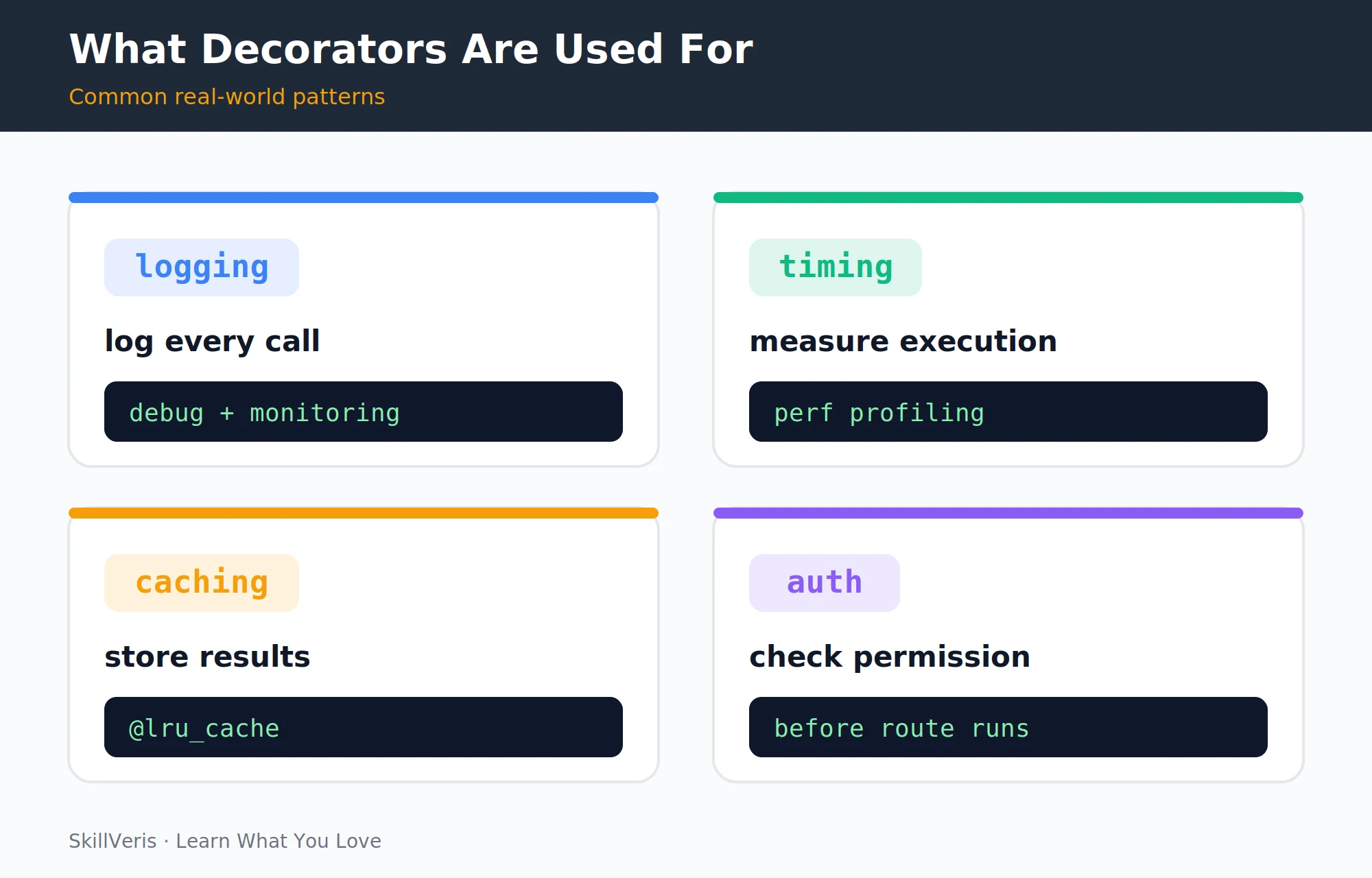
A timing decorator measures how long the wrapped function takes to run. The outer function receives func, the inner wrapper adds logic around the call, and the outer function returns the wrapper.
The pattern is always the same: outer function receives func, inner wrapper adds logic around the call to func, @functools.wraps(func) preserves metadata, and the outer function returns wrapper.
A timer decorator
Measure and print execution time:
import functools

def timer(func):
    # Measures and prints how long func takes to run.
    @functools.wraps(func)  # <- critical: preserves metadata
    def wrapper(*args, **kwargs):
        import time
        start = time.perf_counter()
        result = func(*args, **kwargs)  # <- call the original function
        end = time.perf_counter()
        print(f"{func.__name__} took {(end-start)*1000:.2f}ms")
        return result
    return wrapper

@timer
def slow_sum(n: int) -> int:
    return sum(range(n))

result = slow_sum(10_000_000)
# slow_sum took 243.12ms4The @ Syntax
The @ decorator syntax was introduced in Python 2.4 specifically to make this pattern cleaner. Decorating a function with @timer is exactly equivalent to reassigning it to timer(my_fn).
Multiple decorators stack: @A @B def f() is equivalent to f = A(B(f)) — the inner decorator applies first.
Equivalent forms
The @ form unpacked:
# These are exactly equivalent:
@timer
def my_fn():
    pass

def my_fn():
    pass
my_fn = timer(my_fn)5functools.wraps: Why It Matters
Without @functools.wraps, every decorated function inherits the wrapper's name and loses its docstring, which breaks debugging, logging, and documentation tools. Adding @functools.wraps(func) copies the original function's metadata onto the wrapper.
The fix is one line, so always include it inside your wrapper definitions.
💡Remember
Without @functools.wraps, every decorated function has __name__ = "wrapper", breaking debugging, logging, and documentation tools. Always include it.
Without and with wraps
Compare the metadata that survives:
# WITHOUT @functools.wraps
def bad_decorator(func):
    def wrapper(*args, **kwargs):
        return func(*args, **kwargs)
    return wrapper

@bad_decorator
def my_fn():
    # My docstring
    pass

print(my_fn.__name__)  # wrapper <- wrong!
print(my_fn.__doc__)   # None <- docstring lost!

# WITH @functools.wraps
def good_decorator(func):
    @functools.wraps(func)
    def wrapper(*args, **kwargs):
        return func(*args, **kwargs)
    return wrapper

@good_decorator
def my_fn():
    # My docstring
    pass

print(my_fn.__name__)  # my_fn <- correct
print(my_fn.__doc__) # My docstring <- preserved6Decorators with Arguments
To pass arguments to a decorator, add another layer of nesting — a "decorator factory" that returns a decorator configured with those arguments. The outermost function takes the configuration, the middle returns the decorator, and the inner wrapper does the work.
The retry example below accepts a maximum number of attempts and a delay, then retries the wrapped function on failure.
A retry decorator factory
Three levels of nesting for configurable behaviour:
def retry(max_attempts: int = 3, delay: float = 1.0):
    # Decorator factory: returns a decorator configured with arguments.
    def decorator(func):
        @functools.wraps(func)
        def wrapper(*args, **kwargs):
            import time
            for attempt in range(1, max_attempts + 1):
                try:
                    return func(*args, **kwargs)
                except Exception as e:
                    if attempt == max_attempts:
                        raise
                    print(f"Attempt {attempt} failed: {e}. Retrying in {delay}s...")
                    time.sleep(delay)
        return wrapper
    return decorator

@retry(max_attempts=5, delay=0.5)
def flaky_api_call():
    import random
    if random.random() < 0.7:
        raise ConnectionError("Server unavailable")
return "Success"7Real-World Decorators
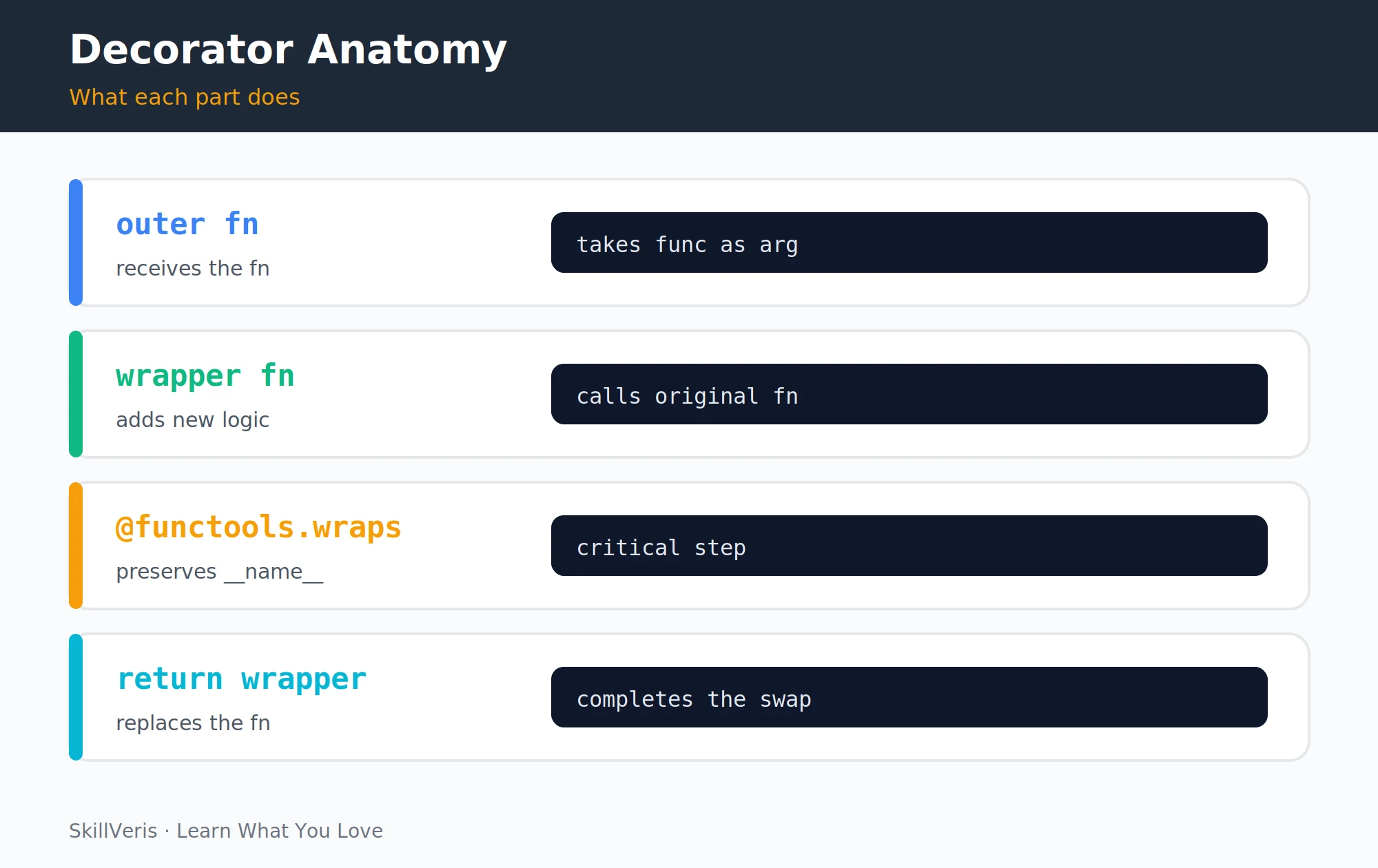
The same pattern powers a handful of decorators you'll reach for constantly: logging calls, enforcing authentication, and caching results. Each is a small wrapper around the original function.
Logging, auth, and cache
Three practical decorators:
# 1. Logging decorator
def log_calls(func):
    @functools.wraps(func)
    def wrapper(*args, **kwargs):
        print(f"Calling {func.__name__}({args}, {kwargs})")
        result = func(*args, **kwargs)
        print(f"{func.__name__} returned {result!r}")
        return result
    return wrapper

# 2. Authentication decorator (FastAPI-style)
def require_auth(func):
    @functools.wraps(func)
    def wrapper(request, *args, **kwargs):
        if not request.headers.get("Authorization"):
            raise PermissionError("Authentication required")
        return func(request, *args, **kwargs)
    return wrapper

# 3. Simple in-memory cache
def cache(func):
    stored = {}
    @functools.wraps(func)
    def wrapper(*args):
        if args not in stored:
            stored[args] = func(*args)
        return stored[args]
return wrapper8Stacking Decorators
Decorators stack from bottom to top. With @timer over @log_calls over @retry, retry wraps the function first, then log_calls wraps that, then timer wraps the outermost.
When the function is called, execution flows from the outermost decorator inward: timer → log_calls → retry → the actual function.
Stacked decorators
Three decorators on one function:
@timer
@log_calls
@retry(max_attempts=3)
def fetch_data(url: str) -> dict:
    import httpx
return httpx.get(url).json()9Class-Based Decorators
When a decorator needs to maintain state, a class with a __call__ method is cleaner than a nested closure. The __init__ stores the wrapped function and initial state, and __call__ runs on every invocation.
The CountCalls example below tracks how many times the decorated function has been called and exposes the count as an attribute.
A stateful decorator class
Track call counts with __call__:
class CountCalls:
    def __init__(self, func):
        functools.update_wrapper(self, func)
        self.func = func
        self.count = 0

    def __call__(self, *args, **kwargs):
        self.count += 1
        print(f"{self.func.__name__} called {self.count} times")
        return self.func(*args, **kwargs)

@CountCalls
def process():
    return "done"

process()  # process called 1 times
process()  # process called 2 times
print(process.count) # 210Built-In Decorators
Python and its standard library ship many decorators you'll use directly. The table below pairs each with what it does and where it lives.
- @functools.lru_cache(maxsize=128) — memoises function results · functools
- @functools.cache — unbounded lru_cache (Python 3.9+) · functools
- @staticmethod — no self/cls; a utility function in a class · built-in
- @classmethod — receives cls; alternative constructors · built-in
- @property — attribute-style method access · built-in
- @dataclasses.dataclass — generates __init__, __repr__, __eq__ · dataclasses
- @app.route / @app.get — register URL routes · Flask/FastAPI
11When NOT to Use Decorators
Decorators add reuse and clarity, but they can be the wrong tool. Avoid them when there's no reuse benefit, when they change the function's contract, or when stacking gets too deep.
- One-off logic — if you'll only wrap one function once, a decorator adds complexity for no reuse benefit; just add the logic inline.
- Changing the contract — decorators should preserve the wrapped function's signature and return type; changing them breaks static analysis and documentation.
- Deep stacking — more than three or four decorators on one function becomes hard to reason about; consider refactoring instead.
12Key Takeaways
Decorators are a compact, reusable way to add cross-cutting behaviour, and a few habits keep them transparent and maintainable.
- A decorator is a function that takes a function and returns a new function with added behaviour.
- Always use @functools.wraps(func) inside your wrapper to preserve __name__, __doc__, and other metadata.
- Decorator factories (decorators with arguments) add a third nesting level.
- Class-based decorators are cleaner when the decorator needs to maintain state.
- Use @functools.lru_cache for free memoisation of pure functions.
13What to Learn Next
Decorators show up everywhere in idiomatic Python, so these topics build naturally on them.
- Python OOP — decorators are used extensively with classes.
- Async Python — async decorators follow the same pattern with an async def wrapper.
- FastAPI REST API Project — routes, dependencies, and middleware use decorators extensively.
14Frequently Asked Questions
Can I decorate a class instead of a function? Yes. Class decorators receive the class object and return a modified class, with @dataclass being the most famous example. You can also decorate class methods with @staticmethod, @classmethod, and @property.
How do I write an async decorator? Use async def wrapper(*args, **kwargs) instead of def wrapper, and return await func(*args, **kwargs). Everything else is identical, and the outer decorator function itself doesn't need to be async.
What is the difference between a decorator and a context manager? A decorator wraps a function call, adding logic before and after every invocation. A context manager (the with statement) wraps a block of code, managing resources for that block. Use decorators for reusable function-level behaviour and context managers for resource management within a function.
Why does Python use @functools.wraps instead of something simpler? Without it, every decorated function appears to have the name, docstring, and signature of the inner wrapper, which breaks help(), logging, debugging tools, and type checkers. @functools.wraps copies the relevant attributes from the original to the wrapper, making the decorator transparent to introspection tools.
Related Reading
Get The Print Version
Download a PDF of this article for offline reading.
About the Publisher
SkillVeris Team
Engineering Team
Our engineering writers turn abstract code concepts into hands-on, project-driven learning experiences.
View all postsRelated Posts
Never miss an update
Get the latest tutorials and guides delivered to your inbox.
No spam. Unsubscribe anytime.