Python Error Handling: try, except, finally Explained
SkillVeris Team
Engineering Team
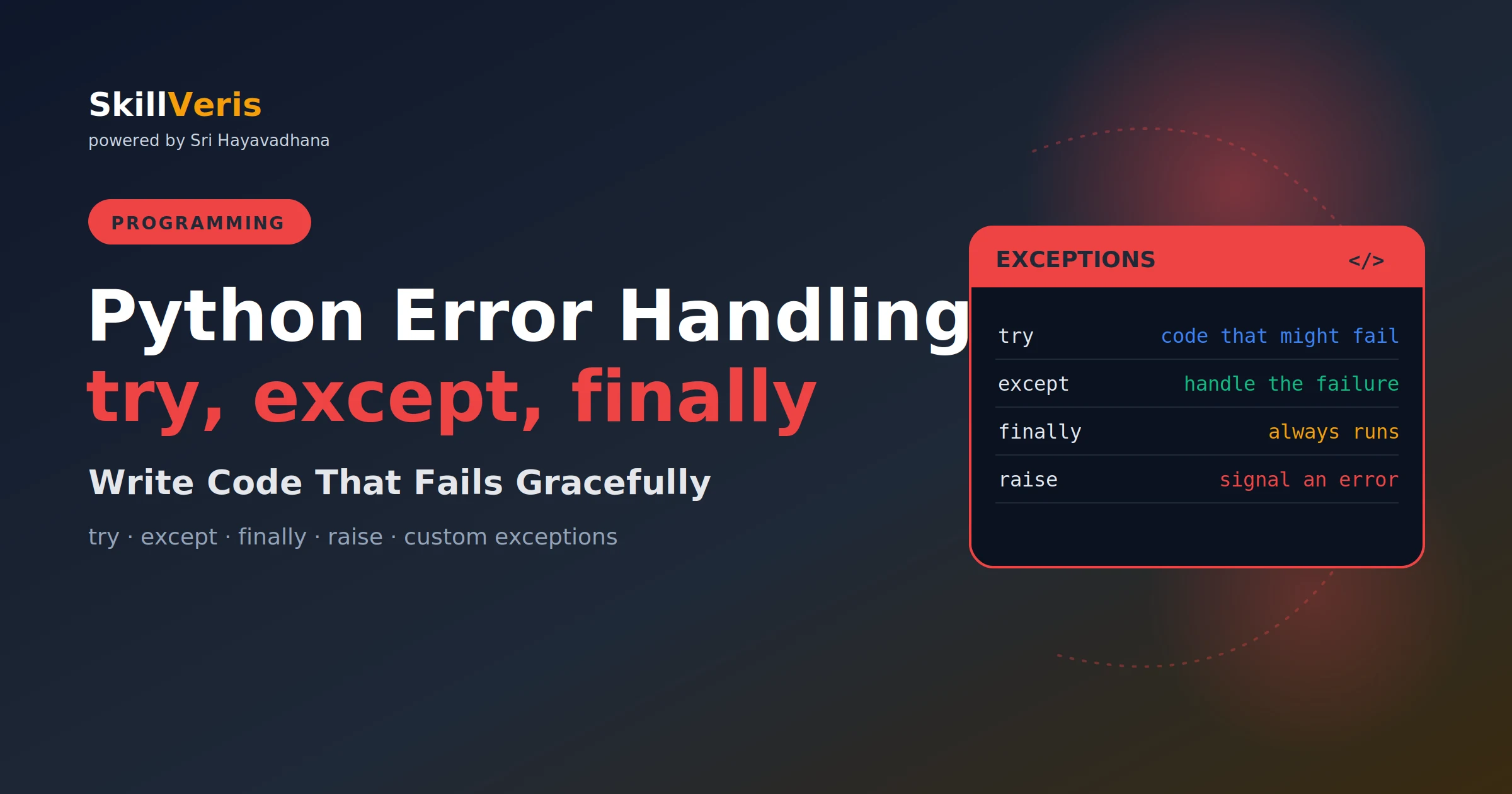
Catch specific exceptions, not a bare except, so real bugs surface instead of being silenced.
In this guide, you'll learn:
- Use finally for cleanup that must always run, like closing files and releasing connections.
- Raise custom exceptions for domain errors so callers can catch exactly what they expect.
- Chain exceptions with 'raise NewError(...) from e' to preserve the full debugging context.
- Log exceptions with exc_info=True before re-raising to capture the full traceback in production.
1Why Error Handling Matters
Every program encounters unexpected situations: files that don't exist, network requests that time out, user input that isn't a valid number, database connections that drop. Without error handling, these situations crash the program with a traceback that the user sees.
With good error handling, the program responds gracefully — logging the error, showing a helpful message, retrying if appropriate, or failing with clear diagnostic information for the developer.
Good error handling is the difference between a production-ready application and a fragile script.
2Python's Exception Hierarchy
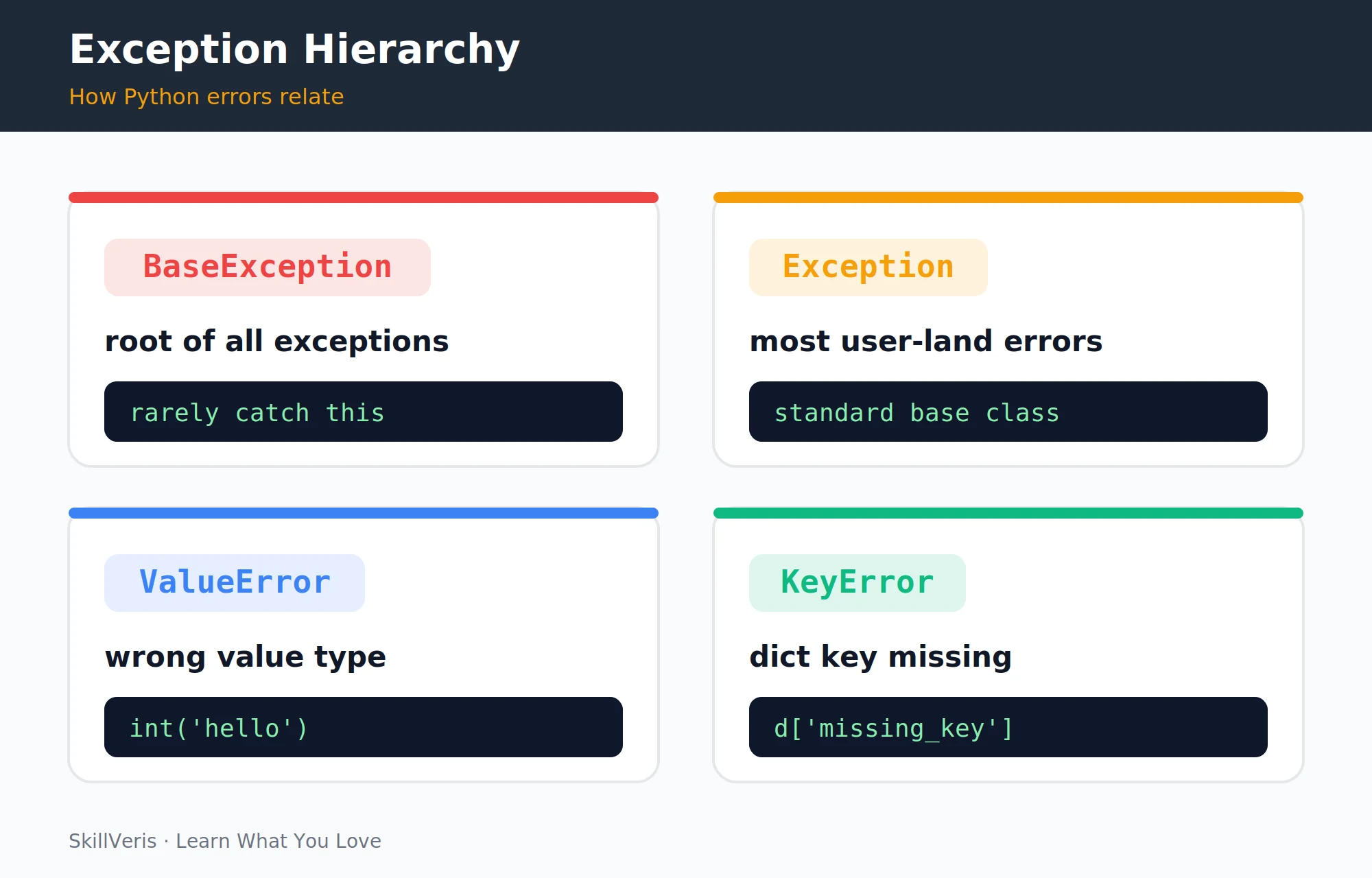
Python exceptions form a class hierarchy — catching a parent catches all its children. Understanding this structure tells you which exceptions are related and how broadly an except clause will reach.
Catching a parent class catches all its subclasses: except Exception catches everything except SystemExit and KeyboardInterrupt. Always catch the most specific exception you can name.
The Core Hierarchy
The most important structure to keep in mind:
BaseException
  SystemExit          # raised by sys.exit()
  KeyboardInterrupt   # Ctrl+C
  Exception           # base of most user-facing exceptions
    ValueError        # wrong value: int("hello")
    TypeError         # wrong type: "a" + 1
    KeyError          # missing dict key: d["missing"]
    IndexError        # index out of range: lst[999]
    FileNotFoundError # file does not exist
    ConnectionError   # network failure
    PermissionError   # access denied
ZeroDivisionError # x / 03try and except
Python executes the try block until an exception occurs. If an exception matches the except clause, that block runs and execution continues after the try/except.
If no exception occurs, the except block is skipped entirely.
Basic Structure
A minimal try/except that falls back to a default value:
# Basic structure
try:
    result = int("not a number")  # raises ValueError
except ValueError:
    result = 0
    print("Could not convert to int, using default 0")
print(result) # 04Catching Specific Exceptions
Catch multiple exception types either in separate except clauses or as a tuple: except (FileNotFoundError, PermissionError). The as e syntax binds the exception object to a variable, giving you access to its message and attributes.
⚠️Watch Out
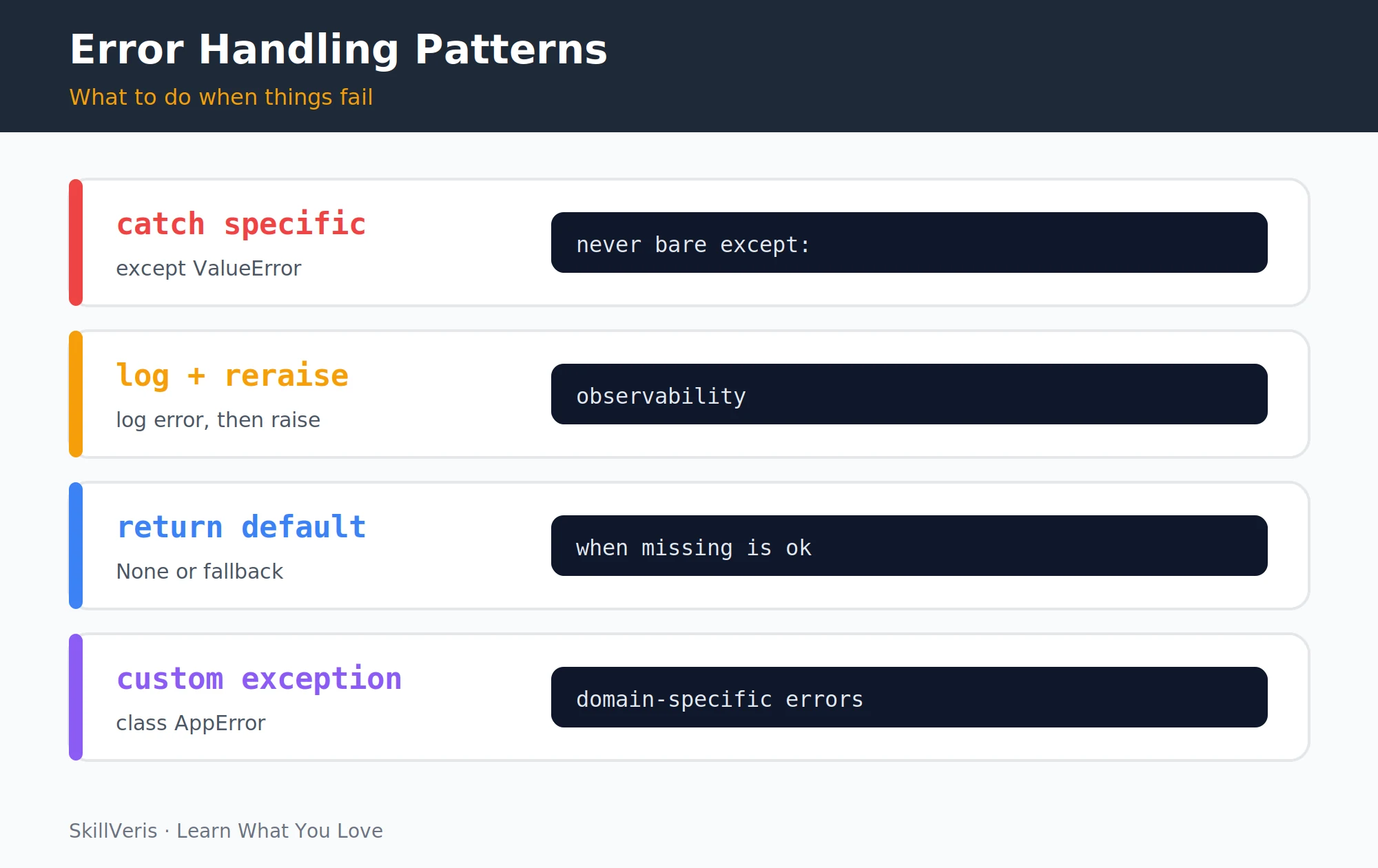
Never use a bare except: without specifying the exception type. It catches everything, including SystemExit, KeyboardInterrupt, and programming mistakes like NameError. You hide real bugs and make programs impossible to interrupt. Always name the exception you expect.
Handling Each Failure Distinctly
Each except clause can respond to its specific failure mode:
def load_config(path: str) -> dict:
    try:
        with open(path) as f:
            import json
            return json.load(f)
    except FileNotFoundError:
        print(f"Config file {path!r} not found, using defaults")
        return {}
    except json.JSONDecodeError as e:
        print(f"Config file has invalid JSON: {e}")
        return {}
    except PermissionError:
raise # re-raise: this is a serious problem we can't handle5The else Clause
The else block runs only if the try block succeeded without raising an exception. It's the correct place for code that should only run when no error occurred — cleaner than putting it at the end of the try block.
The distinction: code in try is protected; code in else is not. If the else code raises an exception, the except clause doesn't catch it (by design: it would catch errors we didn't intend).
Using else for the Success Path
Code that depends on a successful try belongs in else:
try:
    value = int(user_input)
except ValueError:
    print("Please enter a valid integer")
else:
    # Only runs if int() succeeded
    result = value * 2
print(f"Double your number: {result}")6finally: Always Runs
finally runs whether or not an exception occurred — perfect for cleanup that must always happen, such as closing files, releasing database connections, or releasing locks.
In modern Python, the with statement handles most resource cleanup automatically (it calls __exit__ even on exception), making explicit finally less necessary for file handling. Use with for files and connections; use finally when you need custom cleanup that context managers don't handle.
Guaranteed Cleanup
The finally clause closes the file even when the body raises:
def process_file(path: str) -> str:
    f = open(path)
    try:
        data = f.read()
        result = data.upper()  # might fail on binary files
        return result
    except UnicodeDecodeError as e:
        raise ValueError(f"File {path} is not text: {e}") from e
    finally:
f.close() # always closes, even if exception occurred7Raising Exceptions
Raise exceptions to signal that something is wrong that the caller should handle. Write clear, specific messages that include the problematic value: "age must be between 0 and 150, got -5" is far more useful in a log than "invalid age".
Raising and Re-raising
Validate inputs by raising, and re-raise after logging when you can't recover:
def set_age(age: int) -> None:
    if not isinstance(age, int):
        raise TypeError(f"age must be an int, got {type(age).__name__}")
    if age < 0 or age > 150:
        raise ValueError(f"age must be between 0 and 150, got {age}")
    # proceed with valid age

# Re-raising
try:
    risky_operation()
except ConnectionError as e:
    log.error(f"Connection failed: {e}")
raise # re-raise the same exception with its traceback8Exception Chaining
Use raise NewException(...) from original_exception to preserve the original error context when converting exception types.
The from e syntax sets the __cause__ attribute, showing the full chain of exceptions in the traceback. This makes debugging dramatically easier: you see both what went wrong at the domain level and what went wrong at the implementation level.
Converting Low-Level Errors
Chaining keeps the original cause visible while presenting a domain-level error:
def load_user(user_id: int) -> dict:
    try:
        return db.query(f"SELECT * FROM users WHERE id = {user_id}")
    except DatabaseError as e:
        # Convert low-level DB error to domain-level error
        raise UserNotFoundError(
            f"Could not load user {user_id}"
) from e # chains: both tracebacks appear in output9Custom Exception Classes
Define custom exceptions for domain-specific error conditions. This lets callers catch your specific errors without catching unrelated ones.
Defining and Using a Hierarchy
A shared base class plus specific subclasses gives callers fine-grained control:
# Define your exception hierarchy
class AppError(Exception):
    # Base class for all application errors
    pass

class ValidationError(AppError):
    def __init__(self, field: str, message: str):
        self.field = field
        self.message = message
        super().__init__(f"Validation error on '{field}': {message}")

class NotFoundError(AppError):
    def __init__(self, resource: str, identifier):
        super().__init__(f"{resource} with id '{identifier}' not found")

# Usage
def validate_email(email: str) -> None:
    if "@" not in email:
        raise ValidationError("email", "must contain @")

try:
    validate_email("notanemail")
except ValidationError as e:
print(f"Field: {e.field}, Error: {e.message}")10Logging Exceptions
exc_info=True includes the full traceback in the log output — essential for debugging production issues. Use log.warning for expected failure conditions (a declined card) and log.error for unexpected failures that need investigation.
Logging in Production Code
Match the log level to the severity, and re-raise when a human needs to act:
import logging
logging.basicConfig(level=logging.INFO)
log = logging.getLogger(__name__)

def process_payment(amount: float, card_token: str) -> bool:
    try:
        result = payment_gateway.charge(amount, card_token)
        log.info(f"Payment of {amount} processed successfully")
        return True
    except CardDeclinedError as e:
        log.warning(f"Card declined for amount {amount}: {e}")
        return False
    except PaymentGatewayError as e:
        log.error(f"Gateway error for amount {amount}", exc_info=True)
raise # re-raise: this needs human attention11Common Anti-Patterns
Most error-handling mistakes share a root cause: catching too broadly or swallowing failures silently. The table below pairs each anti-pattern with the problem it causes and the fix to apply.
- bare except: — Catches everything including bugs · Fix: except SpecificError:
- Silent swallowing (except Exception: pass) — Hides failures · Fix: log it, at minimum
- Catching and ignoring — Hides bugs that should be fixed · Fix: let it propagate
- String-based errors (return "Error: file not found") — Not a real exception · Fix: raise FileNotFoundError
- try wrapping everything (try: entire 100-line function) — Obscures the failing line · Fix: wrap only the failing line
12Key Takeaways
The core practices for robust Python error handling come down to specificity, guaranteed cleanup, and informative logging.
- Always catch specific exceptions — never a bare except:.
- finally runs regardless of exception status; use it for cleanup.
- raise NewError(...) from original chains exceptions, preserving the full debugging context.
- Define custom exception classes for domain-specific errors; callers can catch exactly what they expect.
- Log with exc_info=True before re-raising to capture the full traceback in production logs.
13What to Learn Next
Go deeper in Python best practices with these related topics:
- Python OOP — custom exceptions are a natural extension of class design.
- Async Python — exception handling in async contexts follows the same patterns.
- Build a REST API with FastAPI — exception handlers in FastAPI return HTTP error responses.
14Frequently Asked Questions
Q: Should I always use try/except for things that might fail?
A: Python style favours EAFP (Easier to Ask Forgiveness than Permission): try the operation and handle the exception, rather than checking conditions before every operation. For example, try: value = d[key] except KeyError: ... is more Pythonic than if key in d: value = d[key] else: ... . But don't overdo it — wrap only the specific lines that might raise, not entire functions.
Q: What is the difference between raise and raise e?
A: Bare raise re-raises the current exception with its original traceback intact. raise e raises the exception as if it originated at that line, losing the original traceback location. Always use bare raise when re-raising; use raise NewException(...) from e when wrapping.
Q: When should I define a custom exception vs use a built-in?
A: Use built-in exceptions when they accurately describe the error (ValueError for wrong values, TypeError for wrong types, FileNotFoundError for missing files). Create custom exceptions when the error is domain-specific and callers need to catch it separately from unrelated errors.
Q: What does exc_info=True do in logging?
A: It appends the current exception's traceback to the log record. Without it, you only log the message. With it, you log the full exception class, message, and traceback — which is what you need to diagnose a production error from a log file.
Related Reading
Get The Print Version
Download a PDF of this article for offline reading.
About the Publisher
SkillVeris Team
Engineering Team
Our engineering writers turn abstract code concepts into hands-on, project-driven learning experiences.
View all postsRelated Posts
Never miss an update
Get the latest tutorials and guides delivered to your inbox.
No spam. Unsubscribe anytime.