TypeScript for Beginners: JavaScript with a Safety Net
SkillVeris Team
Engineering Team
TypeScript is JavaScript with type annotations checked at compile time, so your IDE catches mistakes before you run a single line.
In this guide, you'll learn:
- It's a superset of JavaScript — all valid JS is valid TS, so you can adopt it gradually.
- Interfaces define the shape of objects, while type aliases name complex or union types.
- Generics let you write reusable code that works across multiple types while staying type-safe.
- Enabling strict mode catches an entire class of real-world runtime bugs.
1What Is TypeScript and Why Use It
TypeScript is a language created by Microsoft that adds optional static typing to JavaScript. You write TypeScript, a compiler checks your types and converts the file to plain JavaScript, which browsers and Node.js then run normally.
The benefit: errors that would only appear at runtime ("cannot read property of undefined") are caught by the compiler and your IDE before the code ever executes. On large codebases with teams, this is transformative — it's the reason virtually every major JavaScript project has adopted TypeScript.
2TypeScript vs JavaScript
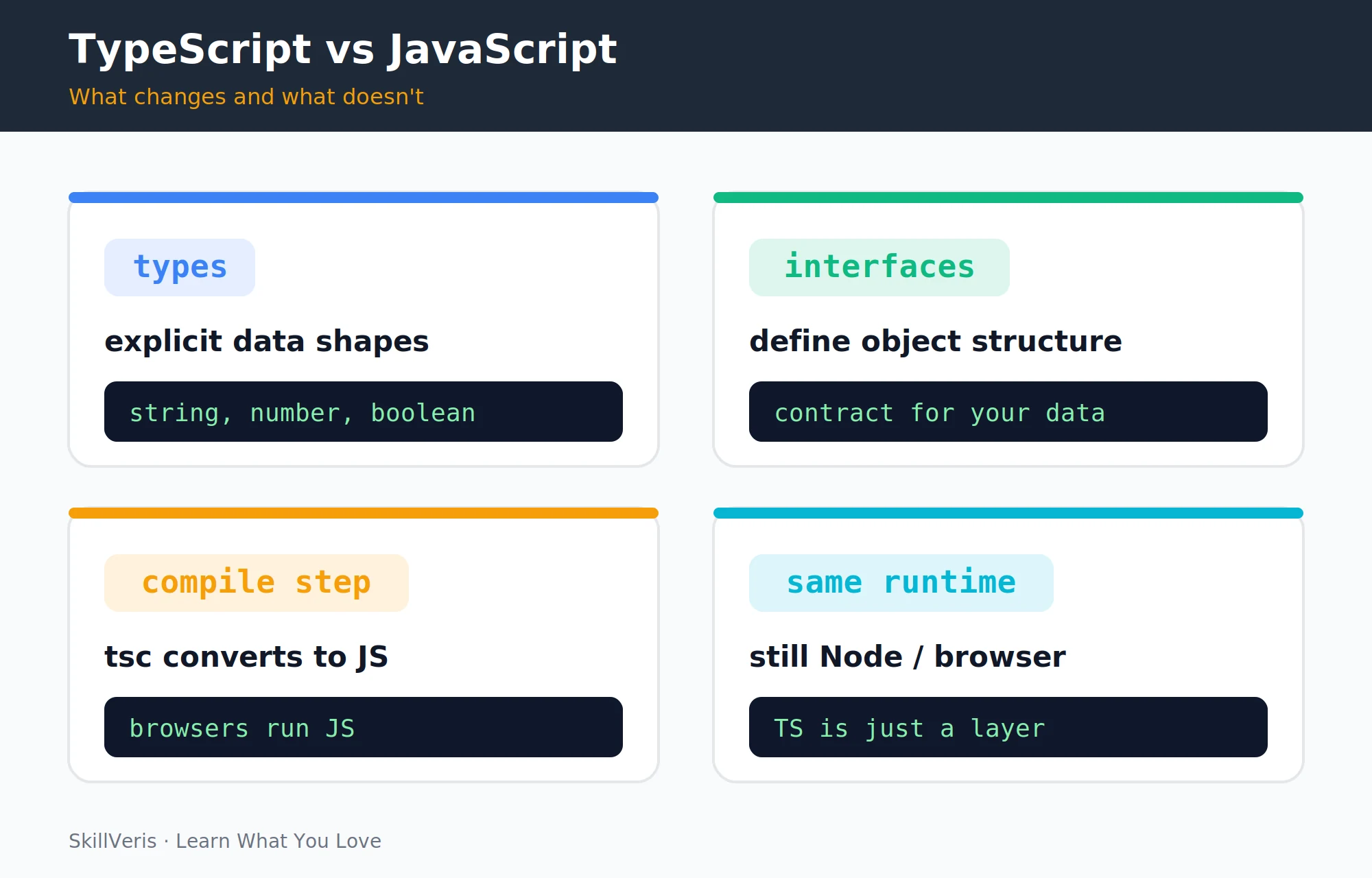
TypeScript adds a type layer on top of JavaScript while keeping the runtime exactly the same. Adoption is gradual: rename .js to .ts, add types where you want them, and everything continues to work.
- No type annotations · Optional type annotations
- Errors at runtime · Many errors caught at compile time
- Runs directly in browser/Node · Compiled to JS first
- All JS is valid · All JS is valid TS (superset)
- No IDE autocompletion on types · Full IDE intelligence on shapes
3Setup and First File
Install TypeScript globally, initialise a project, and write your first .ts file. The type annotations are erased during compilation — the output JS is identical to what you'd write without TypeScript.
Install and Initialise
Install the compiler, verify it, and create a tsconfig.json for your project.
# Install TypeScript globally
npm install -g typescript
# Verify
tsc --version
# Initialise a project (creates tsconfig.json)
mkdir my-ts-project && cd my-ts-project
tsc --init
Create hello.ts and Compile
Write a small greeting function, compile it to JavaScript, and run the output with Node.
const greet = (name: string): string => {
  return `Hello, ${name}!`;
};
console.log(greet("SkillVeris"));

# Compile to JavaScript
tsc hello.ts
# Run the output
node hello.js4Basic Types
TypeScript annotates primitives, void, null, and undefined. The any type disables type checking and should be avoided; unknown is a safer alternative when a type is genuinely unknown.
💡Pro Tip
Enable "strict": true in tsconfig.json. Strict mode catches the most bugs — including implicit any types and potential null dereferences. It feels more demanding at first but prevents an entire class of runtime errors.
Primitives and Special Types
Annotate strings, numbers, booleans, and the safer alternatives to any.
// Primitive types
let username: string = "Sathya";
let age: number = 30;
let isActive: boolean = true;
// any disables type checking (avoid it)
let data: any = "anything goes";
// unknown is safer than any
let input: unknown;
// void for functions that return nothing
const logMessage = (msg: string): void => {
  console.log(msg);
};
// null and undefined
let nothing: null = null;
let undef: undefined = undefined;5Functions with Types
Annotate parameter types and return types, and use optional and default parameters where appropriate. Arrow functions take the same annotations as regular functions.
Parameters, Optionals, and Defaults
Type the inputs and outputs, then add optional and default parameters as needed.
// Parameter types + return type
function add(a: number, b: number): number {
  return a + b;
}
// Optional parameter (may be undefined)
function greet(name: string, title?: string): string {
  return title ? `Hello, ${title} ${name}` : `Hello, ${name}`;
}
// Default parameter
function createUser(name: string, role: string = "viewer") {
  return { name, role };
}
// Arrow function with type annotation
const multiply = (x: number, y: number): number => x * y;6Interfaces
An interface defines the shape of an object — what properties it must have and their types. Properties can be optional or readonly, and interfaces can describe function signatures and be extended by other interfaces.
Defining and Using a User Interface
Declare the shape once, then reuse it for objects and function parameters.
interface User {
  id: number;
  name: string;
  email: string;
  role?: string; // optional property
  readonly createdAt: Date; // cannot be changed after creation
}
const user: User = {
  id: 1,
  name: "Sathya",
  email: "sathya@example.com",
  createdAt: new Date()
};
// Function that accepts a User
function displayUser(u: User): string {
  return `${u.name} (${u.email})`;
}7Type Aliases and Union Types
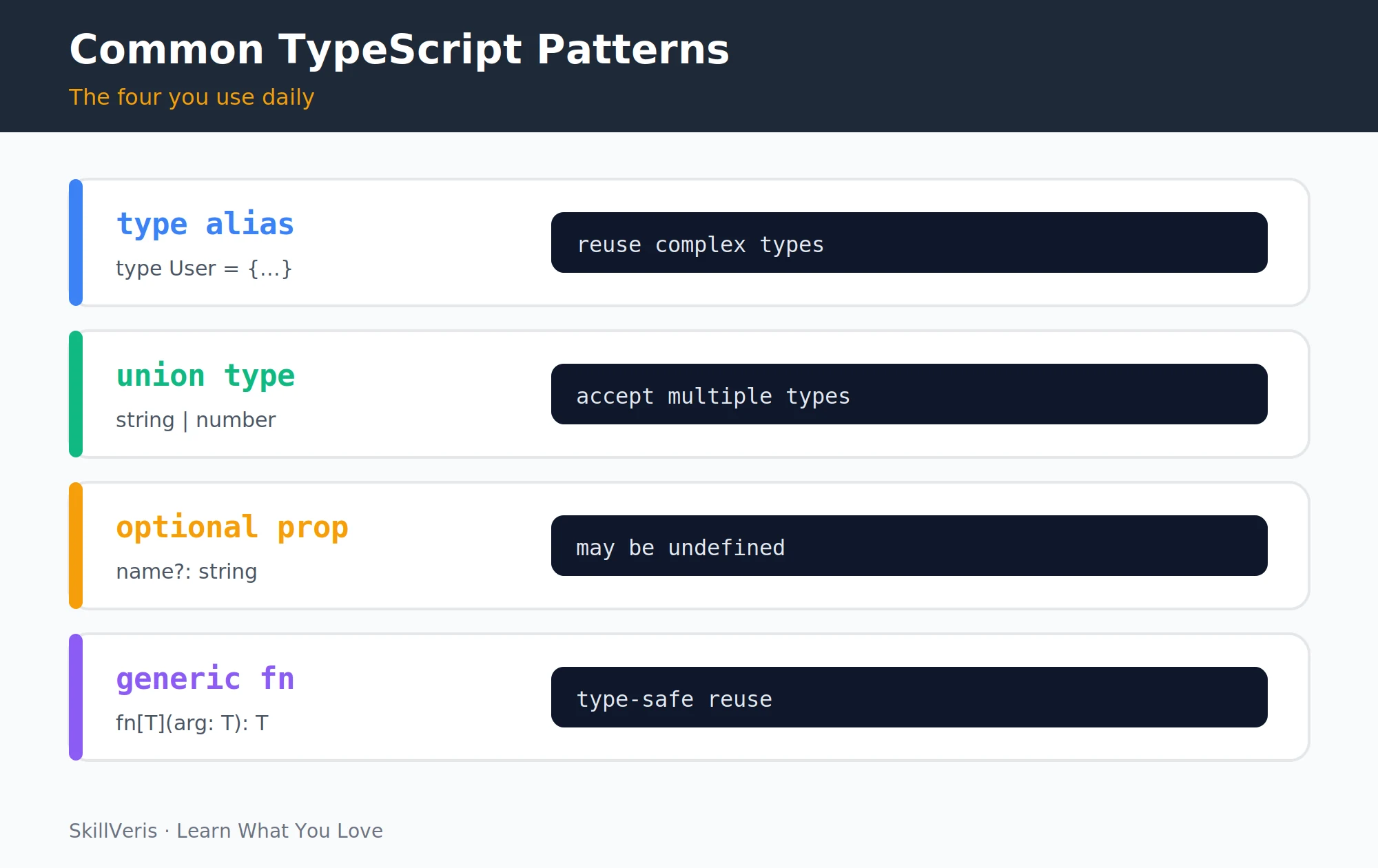
A type alias gives a complex type a name, while a union type lets a value be one of several types. Literal types restrict a value to a specific set of allowed strings.
Aliases, Unions, and Literals
Name complex types, accept multiple types, and constrain values to a fixed set.
// Type alias: give a complex type a name
type UserID = string | number;
type Status = "active" | "inactive" | "banned";
// Union type: accept multiple types
function printId(id: string | number): void {
  console.log(`ID: ${id}`);
}
// Literal type: only specific values allowed
type Direction = "north" | "south" | "east" | "west";
function move(dir: Direction): void {
  console.log(`Moving ${dir}`);
}
move("north"); // OK
// move("up"); // Error: "up" not assignable to Direction8Arrays and Tuples
Typed arrays restrict every element to a single type, with two equivalent syntaxes. Tuples are fixed-length arrays with a specific type per position — the same shape React's useState returns.
Typed Arrays and Tuples
Declare arrays of primitives and interfaces, then use tuples for fixed-position data.
// Typed arrays
const scores: number[] = [85, 92, 78];
const names: string[] = ["Alice", "Bob"];
const users: User[] = []; // array of our User interface
// Alternative syntax
const flags: Array<boolean> = [true, false];
// Tuple: fixed-length array with specific types per position
type Point = [number, number];
const origin: Point = [0, 0];
// useState in React returns a tuple
const [count, setCount]: [number, (n: number) => void] =
useState<number>(0);9Generics
Generics allow you to write reusable code that works with multiple types while maintaining type safety. A type placeholder like T is filled in at the call site.
You'll encounter generics constantly in React (useState<number>), Axios (axios.get<User[]>), and any typed library.
Generic Functions and Interfaces
Use a type placeholder for reusable functions, then apply it to an API response wrapper.
// Generic function: T is a type placeholder
function identity<T>(arg: T): T {
  return arg;
}
identity<string>("hello"); // returns string
identity<number>(42); // returns number
// Generic interface for an API response wrapper
interface ApiResponse<T> {
  data: T;
  status: number;
  message: string;
}
const userResponse: ApiResponse<User> = {
  data: user,
  status: 200,
  message: "OK"
};10TypeScript in a React Project
Scaffold a React app with the TypeScript template using Create React App or Vite. Typed component props catch mistakes — like passing a number where label expects a string, or forgetting the required onClick prop — all before you even run the app.
Create the Project
Use either Create React App or the faster Vite template.
# Create a React app with TypeScript template
npx create-react-app my-app --template typescript
# or with Vite (faster):
npm create vite@latest my-app -- --template react-ts
Typed Component Props
Describe props with an interface and consume them in a typed function component.
interface ButtonProps {
  label: string;
  onClick: () => void;
  disabled?: boolean;
  variant?: "primary" | "secondary";
}
const Button: React.FC<ButtonProps> = ({
  label, onClick, disabled = false, variant = "primary"
}) => (
  <button onClick={onClick} disabled={disabled}
    className={`btn btn-${variant}`}>
    {label}
  </button>
);11Common Beginner Mistakes
A few habits trip up newcomers. Avoiding them keeps the type system working for you rather than against you.
- Overusing any: it turns off type checking entirely. Use unknown when the type is genuinely unknown and add a type guard before using the value.
- Not enabling strict mode: "strict": true in tsconfig.json enables the checks that prevent most real-world bugs.
- Repeating types: define an interface once and reuse it across files. Don't copy-paste type shapes.
- Fighting the compiler: if TypeScript says there's an error, read the message carefully before reaching for // @ts-ignore. The compiler is usually right.
⚠️Watch Out
as type assertions (value as string) bypass the type checker. They're sometimes necessary when working with external data, but overusing them defeats the purpose of TypeScript. Assert only when you genuinely know more than the compiler does.
12Key Takeaways
TypeScript rewards incremental adoption — start small and let the type system grow with your project.
- TypeScript = JavaScript + optional type annotations checked at compile time.
- Interfaces define the shape of objects; type aliases name complex or union types.
- Generics make functions and types reusable across different data shapes.
- Enable "strict": true; avoid any; let the compiler guide you.
- All valid JavaScript is valid TypeScript — adopt it gradually in existing projects.
13What to Learn Next
Apply TypeScript in real projects with these follow-up guides.
- React Hooks Explained — type your hooks with TypeScript.
- Full-Stack To-Do App — rebuild it with TypeScript throughout.
- Node.js for Beginners — TypeScript works equally well on the backend.
14Frequently Asked Questions
Should I learn TypeScript before or after JavaScript? After. TypeScript is a layer on top of JavaScript — you need to understand JavaScript fundamentals (variables, functions, arrays, objects, async/await) before the type system makes sense. Most developers learn TypeScript after 3–6 months of JavaScript experience.
Does TypeScript slow down development? Initially yes — there's overhead in writing type annotations. After a few weeks, the IDE autocompletion, instant error feedback, and confidence in refactoring more than compensate. On large codebases, TypeScript dramatically speeds up development.
What is the difference between interface and type? Both define object shapes. Interfaces are more extensible (can be merged and extended); type aliases are more flexible (can express unions, intersections, and primitive types). For object shapes, use whichever your team prefers — most style guides pick one and stick with it.
Do I need to understand all of TypeScript before using it on a project? No. Start with basic type annotations on function parameters and return types. Add interfaces for data objects. Generics and advanced types come naturally as you encounter the need for them. TypeScript rewards incremental adoption.
Related Reading
Get The Print Version
Download a PDF of this article for offline reading.
About the Publisher
SkillVeris Team
Engineering Team
Our engineering writers turn abstract code concepts into hands-on, project-driven learning experiences.
View all postsRelated Posts
Never miss an update
Get the latest tutorials and guides delivered to your inbox.
No spam. Unsubscribe anytime.