LinkedIn Tips for Developers: Turn Your Profile Into an Inbound Machine
SkillVeris Team
Careers Team
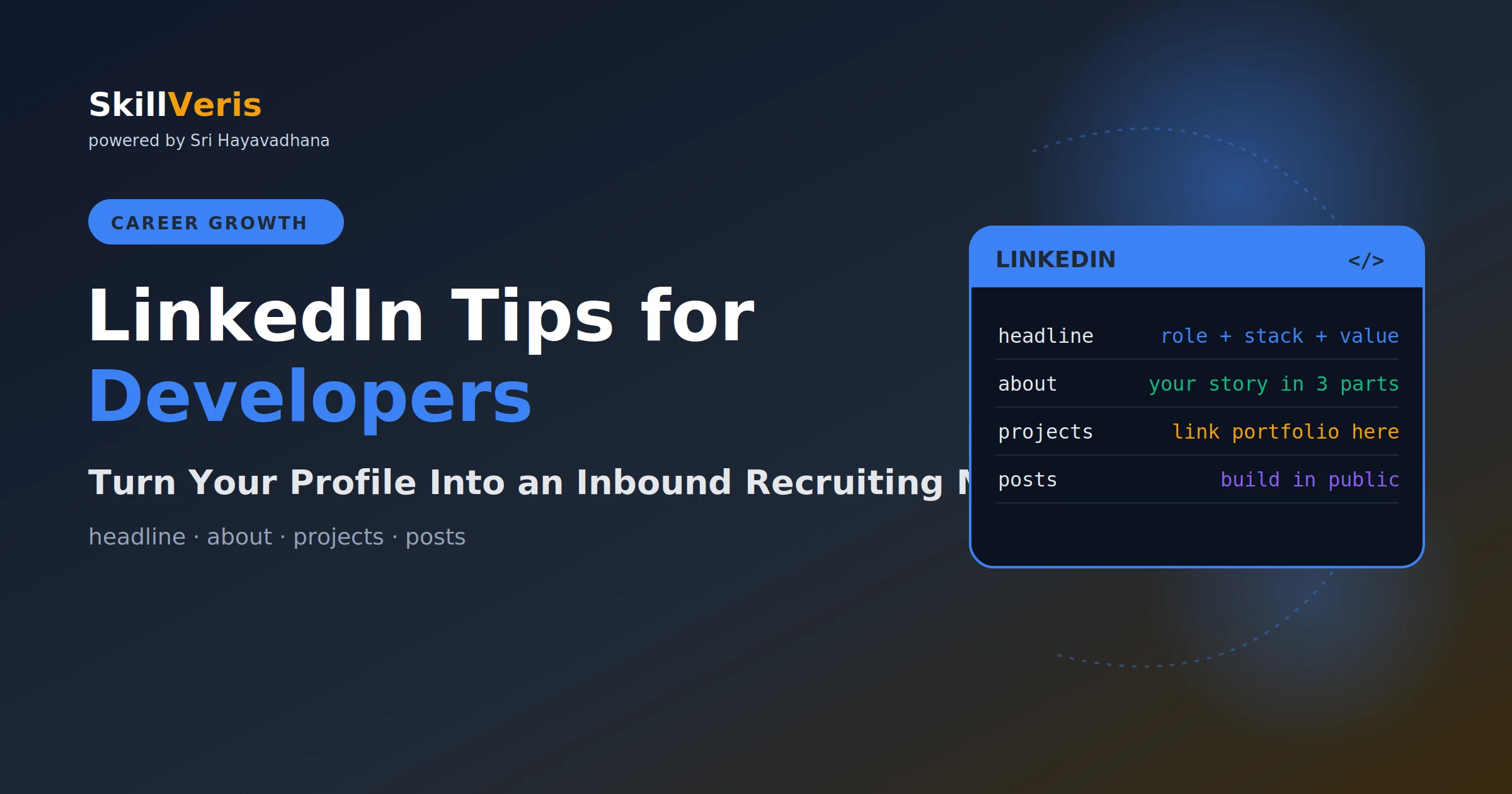
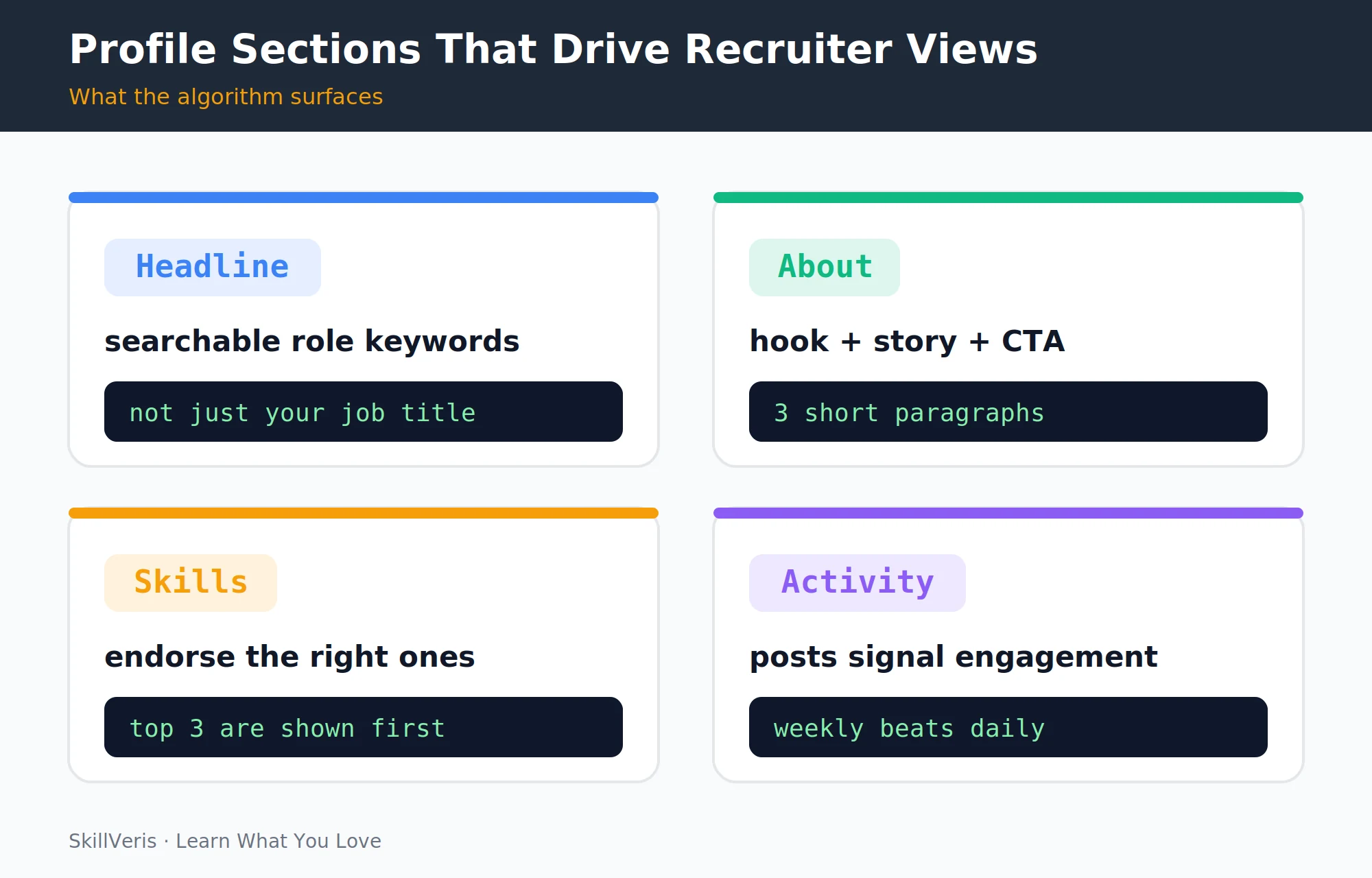
LinkedIn's algorithm surfaces profiles with keyword-rich headlines, complete About sections, and recent activity — optimise those three and recruiters find you.
In this guide, you'll learn:
- Your headline is the single most important SEO field: include your role title, primary technologies, and an availability signal.
- Structure your About section in three short paragraphs — hook, evidence, and a clear call to action.
- Post once or twice a week about what you're building; consistency over months compounds into inbound opportunities.
- Thoughtful comments on senior developers' posts are often more visible than your own posts.
1Why LinkedIn Matters for Developers
LinkedIn is where most tech recruiters source candidates — both actively, by searching for skills, and passively, by reviewing applicants. A poorly optimised profile means you're invisible to the recruiters who are looking for exactly your skills right now.
An optimised profile means inbound messages; a neglected one means only outbound applications. The goal of this guide is to flip that ratio: get recruiters to come to you.
3Writing a Keyword-Rich Headline
Your headline is the single most important SEO field on LinkedIn. Recruiters search by role and technology, and your headline determines whether you appear in those searches.
A weak headline reads "Software Engineer at XYZ Company." A strong one reads "Full-Stack Developer • React • Node.js • Python • Open to New Opportunities." The strong version includes the role title recruiters search for, the specific technologies, and an availability signal. You have 220 characters — use most of them.
💡Pro Tip
If you're actively job hunting, enable LinkedIn's "Open to Work" feature (visible only to recruiters if you choose). It places a green badge on your profile in recruiter search results and can triple inbound messages.
4The About Section
Most About sections are either empty or a copy of the resume summary, and neither works well. Structure yours in three short paragraphs instead.
Paragraph one is the hook: what you do and what you're passionate about, mentioning your primary tech stack in the first two sentences. Paragraph two is the evidence: your most significant projects or achievements, with a link to your portfolio or a specific project. Paragraph three is the call to action: what kind of opportunity you're looking for and how to reach you.
Write in first person ("I build...") not third ("Sathya is a developer who..."). Third person reads as if someone else wrote it and feels distant.
5Experience and Projects
Your work experience entries should use the same action + result + scale formula as your resume bullets. Beyond that, a few additions make your profile stand out to recruiters.
Add media to each role — a link to a project, a published article, or a screenshot — since these appear visually and draw attention. Use the Projects section to list portfolio work with links even if it isn't tied to a specific employer; this is where self-taught and career-switch developers can shine. Finally, add licences and certifications with issue dates, as AWS, Google, and CompTIA certs are particularly visible to recruiters using LinkedIn's filter system.
6Skills and Endorsements
LinkedIn surfaces your top three skills prominently on the profile, so make sure those three are your most relevant and most searched terms for your target role.
Add all relevant skills — you can list up to 50 — including both technologies like Python and React and methodologies like Agile, CI/CD, and REST APIs. Ask colleagues or classmates to endorse your core skills, since higher endorsement counts rank better in recruiter search filters, and endorse others generously because reciprocal endorsements are common.
7Recommendations
A written recommendation from a manager, peer, or client is worth more than ten endorsements. Even one or two recommendations makes a profile significantly more credible.
Ask for recommendations from people who can speak to specific technical work you did together, and make it easy for them by suggesting two or three specific projects or qualities to mention. For career switchers without professional tech experience, recommendations from bootcamp instructors, project collaborators, or freelance clients all count.
8Posting Strategy
LinkedIn's algorithm rewards consistent activity. You don't need to post daily — once or twice a week, consistently, compounds into significant visibility over three to six months.
Post in the morning, around 7–9am in your target audience's timezone, to generate early engagement that signals the algorithm to show it to more people. Open with a hook, since the first line is what people see before "see more," and end with a question like "What would you have done differently?" to invite comments that boost reach. Use line breaks too — dense paragraphs get scrolled past, while short sentences with white space get read.
9What to Post as a Developer
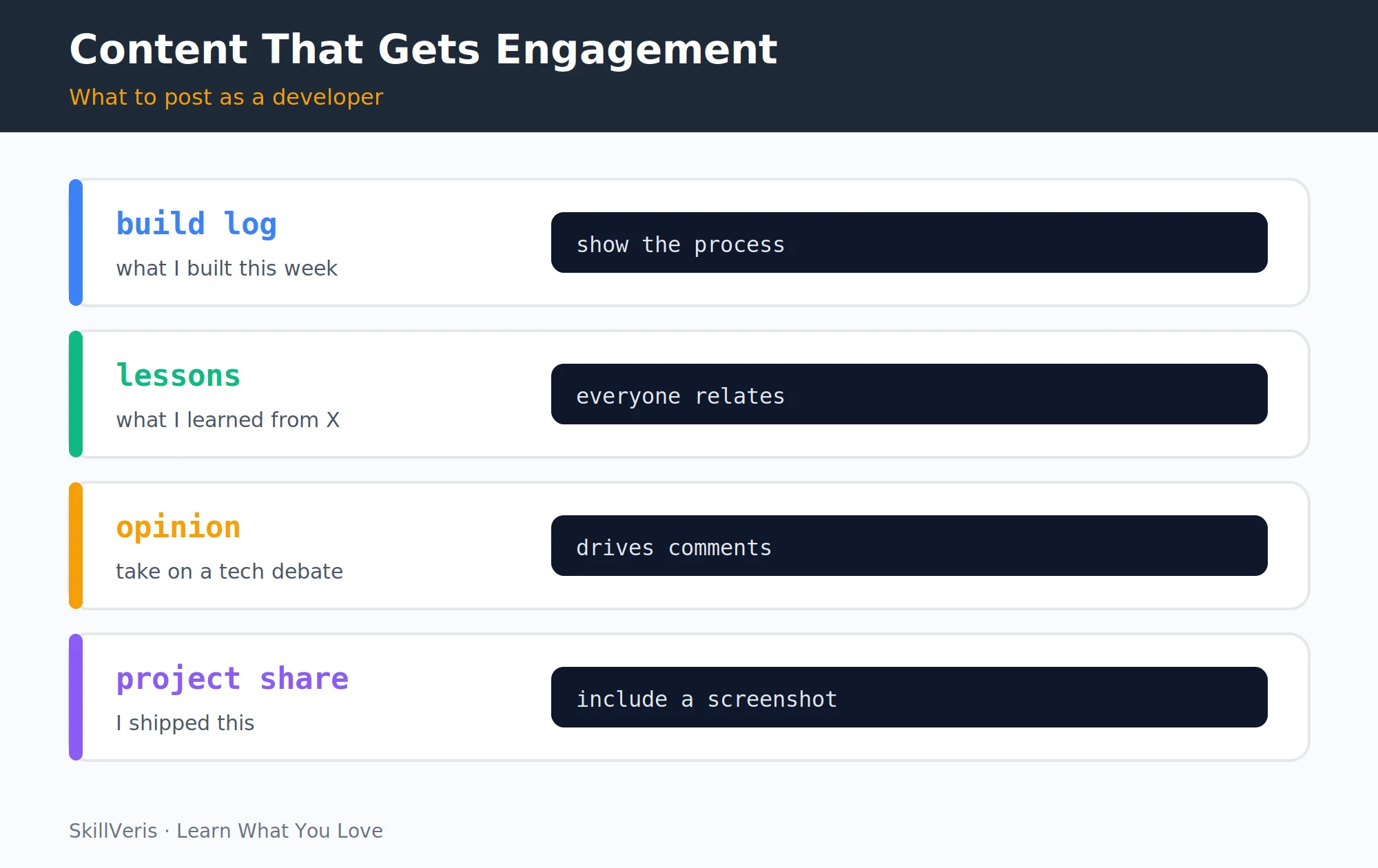
Different post types serve different purposes, but all of them demonstrate skill, share value, or invite conversation. The table below maps common formats to why each one works.
- Build log — "This week I built a Terraform config that provisions a full VPC in under 2 minutes..." · Shows skill in context
- Lesson learned — "I spent 4 hours debugging a Docker network issue. Here's what I found..." · Relatable and helpful
- Project launch — "I just deployed my data analytics dashboard to Tableau Public. Here's what the data showed..." · Proof of completion
- Opinion / take — "Three reasons I prefer FastAPI over Flask for new projects..." · Drives comments and shares
- Resource share — "The best free SQL practice site I've found for beginners (and what makes it work)..." · Gets saves and reposts
10Networking on LinkedIn
Connect with intention: send a personalised note with every connection request, mentioning a specific post they wrote, a shared interest, or why you're connecting. Default requests get ignored.
Comment thoughtfully, because a meaningful comment on a senior developer's post is often more visible than a post of your own — everyone in that person's network sees it. And don't overlook informational interviews: message people in your target role asking for 15–20 minutes to learn about their path. The conversion rate is surprisingly high when the ask is specific and respectful.
💡Pro Tip
When messaging someone you don't know, lead with what you found valuable about their work, not with what you want. "I read your post about migrating to Kubernetes and tried the approach you described — wanted to share what I found" opens doors that "Can you review my resume?" closes.
11Using LinkedIn to Research Companies
Before any interview, use LinkedIn to find the interviewer's profile and note their background and recent posts, and to check whether any of your connections work there and can provide inside context.
Review recent posts from the company page to see what they're working on, celebrating, or announcing. Look at job posting dates too — a role that's been open for three or more months often signals something worth asking about, whether a high bar, restructuring, or an evolving role.
12Key Takeaways
Your headline is the most important SEO field, so include your role title, primary technologies, and availability. Write an About section in three paragraphs — hook, evidence, and call to action — and post once or twice a week with build logs, lessons, project launches, and opinions.
Comment meaningfully on others' posts, since that's often more visible than your own, and enable "Open to Work" for recruiters if you're actively searching.
13What to Learn Next
To complete your personal brand, pair this guide with a few related reads. Build a developer portfolio for the projects your LinkedIn links to, build a standout tech resume to pair with your profile for applications, and follow a full transition plan with How to Switch to a Tech Career in 6 Months.
14Frequently Asked Questions
How often should I post on LinkedIn? Once or twice a week is the sweet spot for most developers. Consistency over three to six months matters more than frequency — daily posting without substance burns out your audience, while weekly posting with genuine insight builds a reputation.
Should I connect with people I don't know? Yes. LinkedIn is a professional network, not a personal one, and connecting with developers, recruiters, and hiring managers in your target field is expected. Always personalise the note; generic requests have very low acceptance rates.
What's a good LinkedIn headline if I'm still learning? "Aspiring Full-Stack Developer | Learning React • Node.js • Python | Open to Junior Roles" is far better than leaving it empty or listing your current non-tech job. It signals intent and the technologies you're developing, which still appears in recruiter searches for junior candidates.
Is LinkedIn Premium worth it for a job search? Premium's main benefits are InMail credits and seeing who viewed your profile. For most developers, optimising the free profile and posting consistently produces better results than paying for Premium — try the free trial during an active search and evaluate.
Get The Print Version
Download a PDF of this article for offline reading.
About the Publisher
SkillVeris Team
Careers Team
Our careers team helps you navigate tech job markets, build portfolios, and land the roles you want.
View all postsRelated Posts
Never miss an update
Get the latest tutorials and guides delivered to your inbox.
No spam. Unsubscribe anytime.